
Be The Final Boss Castle Skins: How to Change Your Castle (Video Walkthrough)
A walkthrough of castle customization in Be The Final Boss: where the paintbrush menu is, what the Entrance, Walls, Towers, and Throne sections do, how buying a set works, and whether castle skins are worth paying for — based on KingGoose's Update 3 video.
Quick answer
Walk to the paintbrush right in front of your base and press E to open the CASTLE menu. It has four subsections — Entrance, Walls, Towers, and Throne — and each holds the same nine sets: Default Castle, Crimson Castle, Amethyst Castle, Onix Castle, Castle Of Gold, Chronos Bastion, Permafrost Palace, Infernal Citadel, and Dracula's Castle. One purchase unlocks a set for all four parts at once, paid in coins or shards, and equipping is free once you own it. The creator calls Permafrost Palace the free-to-play pick — as good as the paid sets — and says skins are purely cosmetic right now, so think before paying for Dracula's Castle.
Video source
Based on KingGoose's Update 3 tier list and changes video (YouTube: 6Pbvw988sHQ). Screenshots come from his capture, so set names, rarities, and prices reflect that Update 3-era recording and may have changed since. Written steps are original; confirm prices in your own client.
KingGoose — Be the Final Boss UPDATED Tier List + EVERY Change in the New Update!Change your castle skin step by step
- 1
Find the paintbrush in front of your base
Castle customization is not a settings screen — it lives in the world. Walk to the front of your castle and look for the little paintbrush next to your stats sign. An "E Open" prompt appears when you are close enough; press it to open the CASTLE menu.
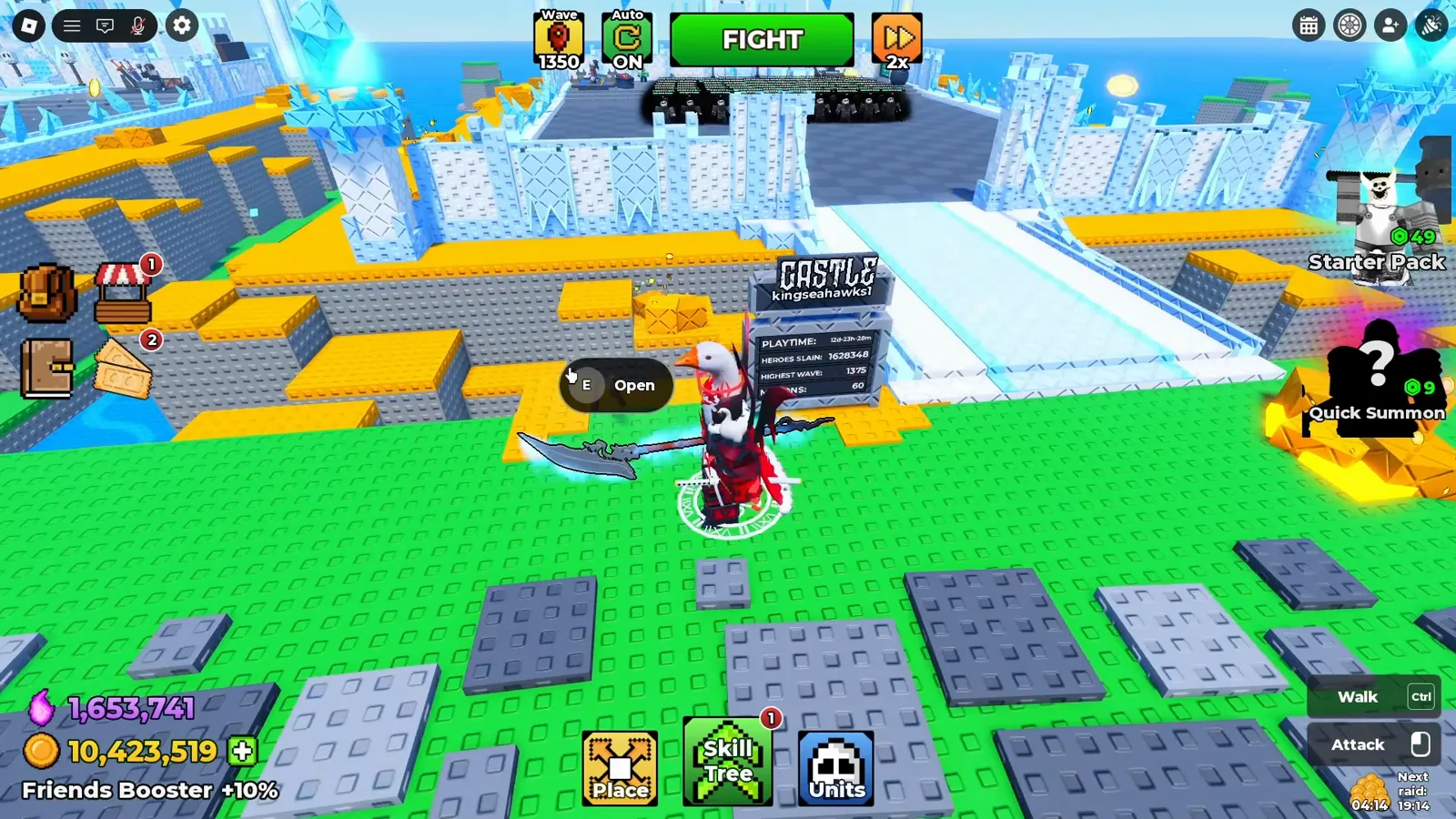
Castle customization lives in the world: walk to the paintbrush in front of your base and press E. - 2
Learn the four sections: Entrance, Walls, Towers, Throne
The menu splits your castle into four parts, each with its own tab and its own copy of the skin list, so one choice never restyles the whole castle. In the video the creator equips a Crimson Castle entrance, switches walls to Amethyst Castle, and tries Crimson towers — all while the rest of his castle stays Permafrost Palace.
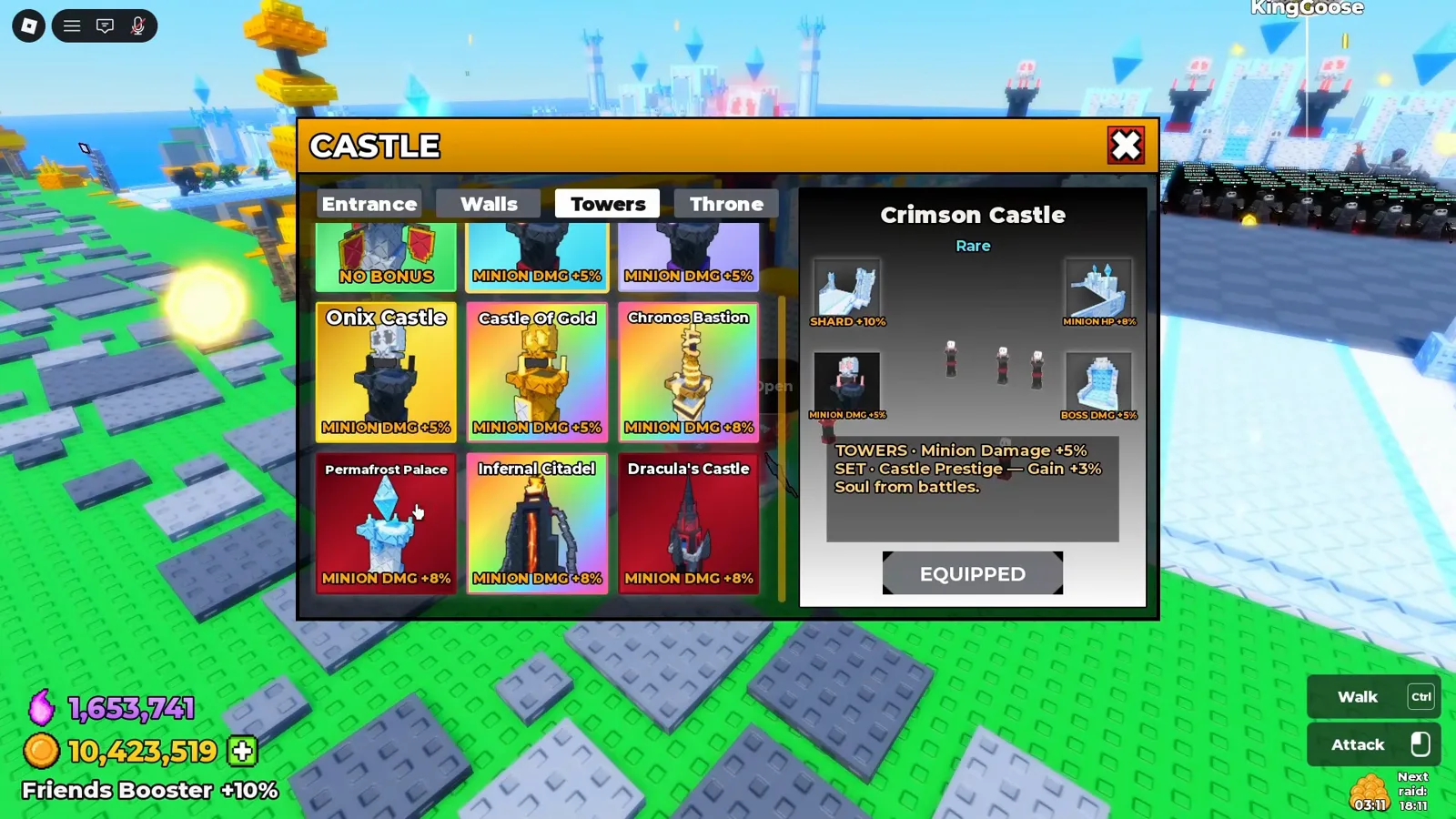
Every set is split into four sections — entrance, walls, towers, and throne — and each section equips separately. - 3
Pick a set: free Permafrost Palace or a paid skin
Nine looks appear in his capture: Default Castle (no bonus label), Crimson Castle, Amethyst Castle, Onix Castle, Castle Of Gold, Chronos Bastion, Permafrost Palace, Infernal Citadel, and Dracula's Castle. Preview cards show rarities like Rare, Mythic, and Secret plus small bonus labels per section. His advice: free-to-play players should take Permafrost Palace — he calls it equivalent to the paid sets and his personal favorite.
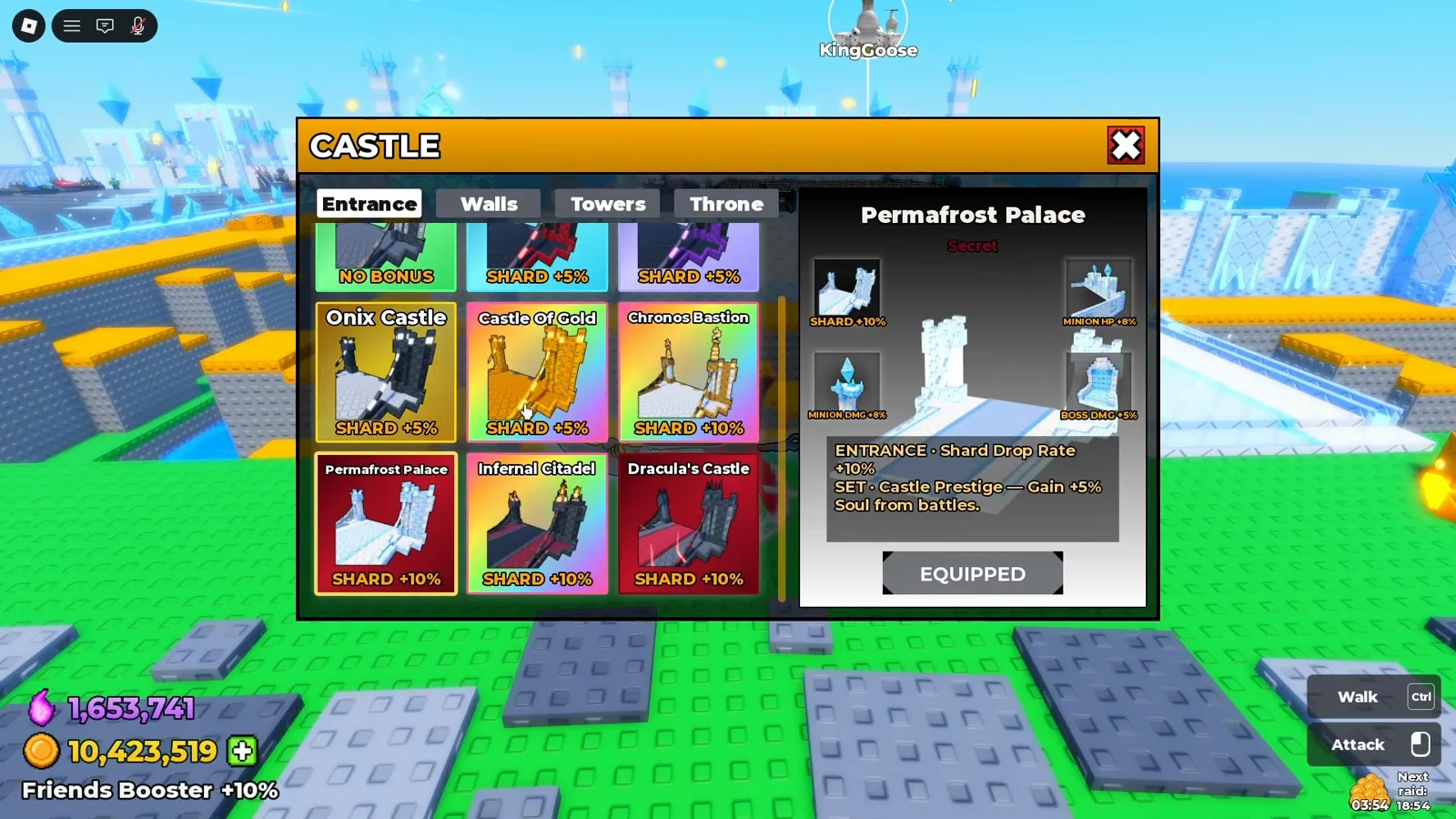
The creator's free-to-play pick: Permafrost Palace, which he calls equivalent to the paid sets. - 4
Buy once — one package covers all four parts
"You buy this price right here... it is for all four categories." A set is a single purchase paid in coins or shards — the capture shows 299 on the Infernal Citadel buy button — and it unlocks the entrance, walls, towers, and throne together. He says he bought all but two sets this way; owned sets show an Equip for Free button.
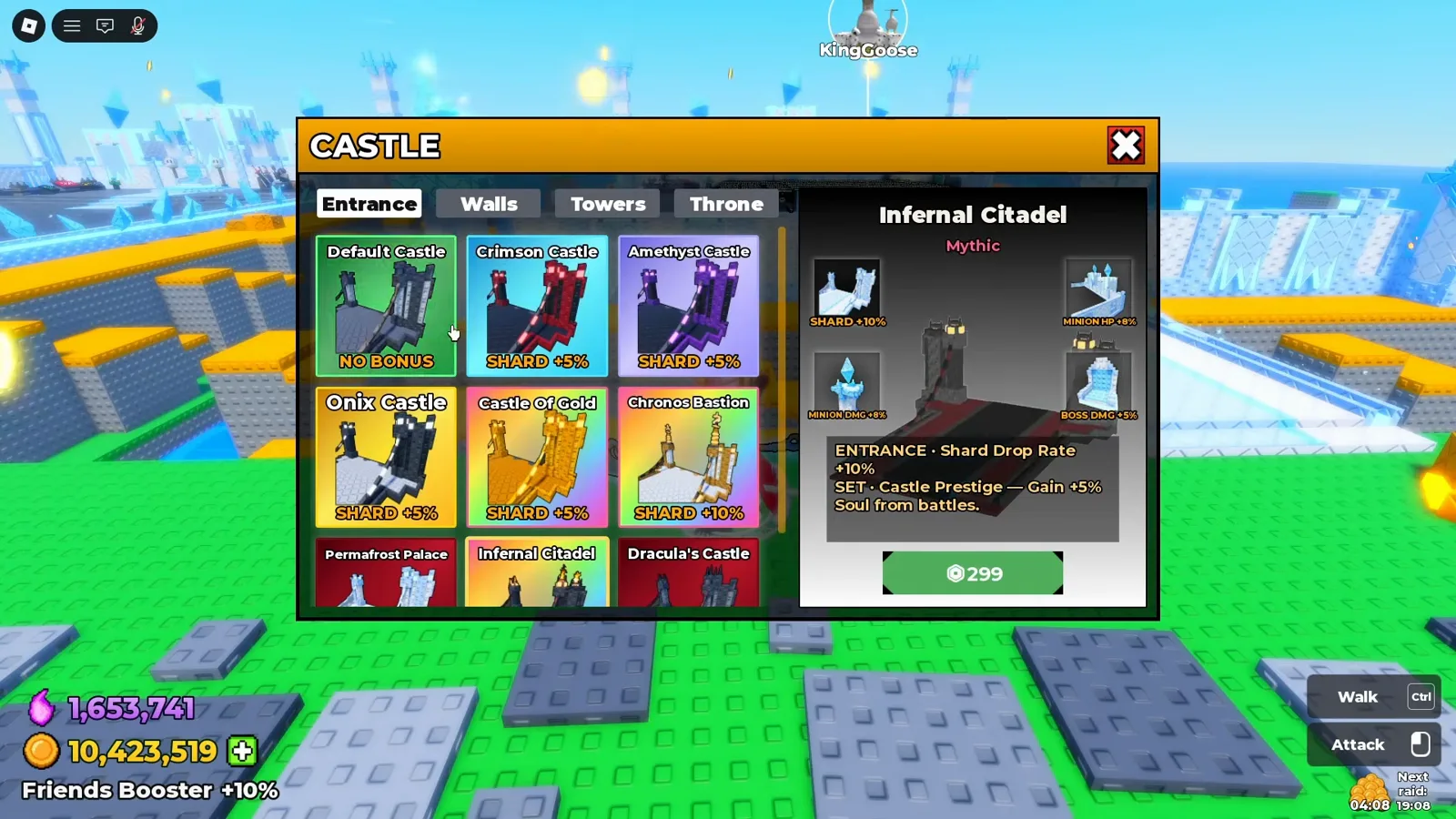
One price unlocks the whole set — the video shows 299 for Infernal Citadel, paid in coins or shards. - 5
Know what you are paying for: looks, not power
Equipping applies instantly — a "Castle piece equipped." toast confirms it — but the creator's verdict is that skins are purely cosmetic at this point, with no extra buff worth paying for. He would not spend on Dracula's Castle for that reason; if you care about stat labels, he points to Infernal Citadel instead. The menu does show small labels (Shard +10% on an entrance, Minion Damage on towers, a Castle Prestige set bonus), so read them in your own client before paying.
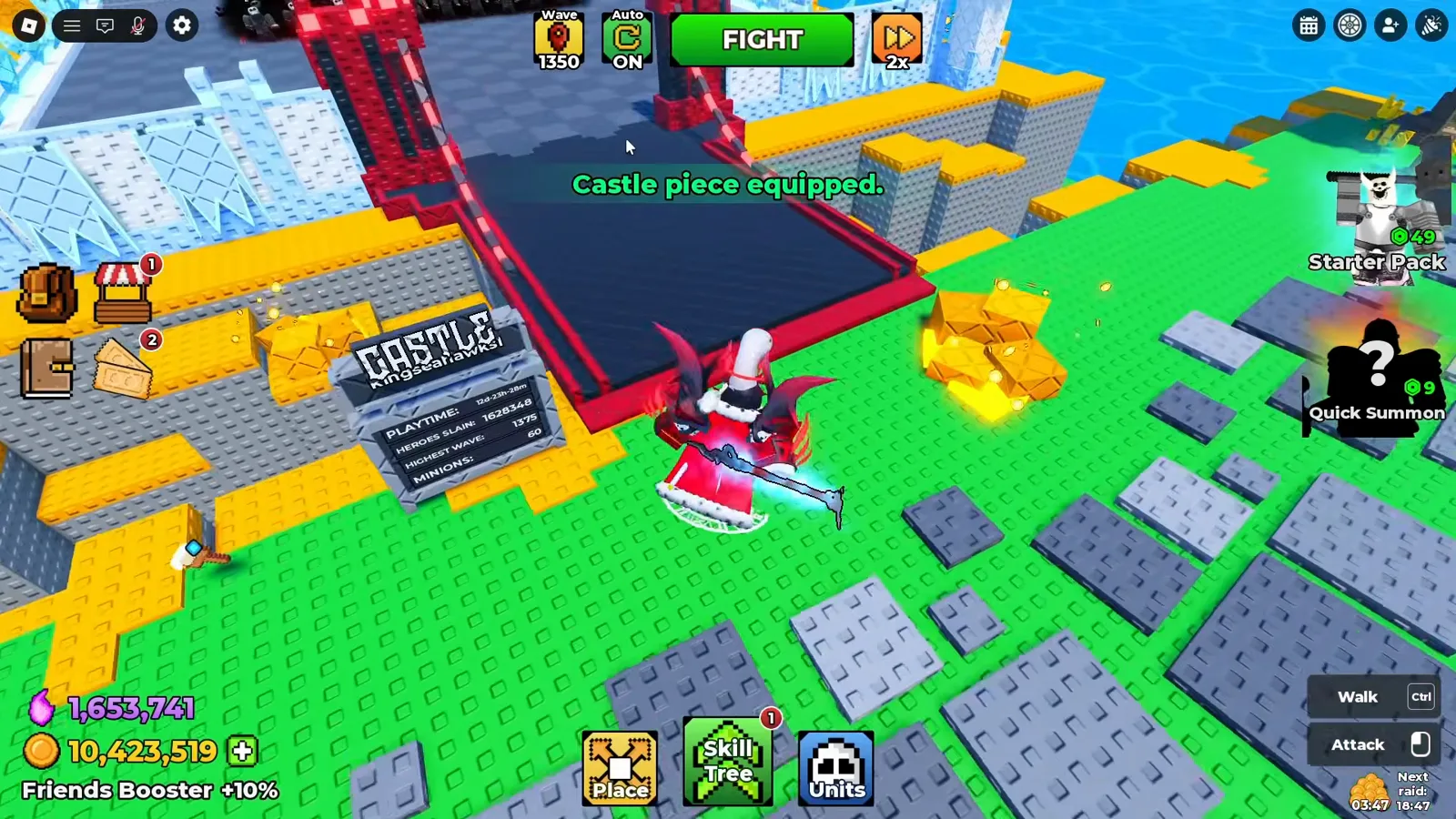
The new look applies instantly — and per the creator, that look is all you get: skins are purely cosmetic right now.